Discord Adds Streamer Mode
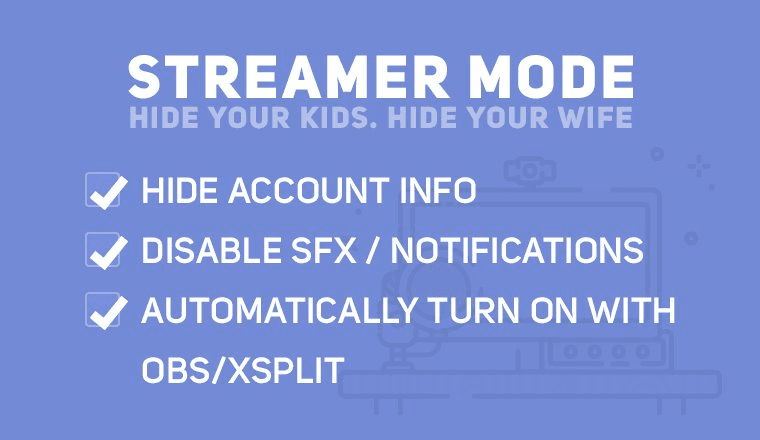
Making sure your Discord is ready for your stream just got easier. Enable Streamer Mode in your User Settings and customize options such as hiding personal information and invit...
Making sure your Discord is ready for your stream just got easier. Enable Streamer Mode in your User Settings and customize options such as hiding personal information and invite links as well as disabling notifications. This new feature is especially handy if you tend to monitor capture your desktop and want to pull up your Discord server. You can also choose to enable Streamer Mode automatically if OBS or Xsplit is running. If you like to have sounds and notifications on Discord outside of streaming, this makes it easy to switch into a setup that's better for streaming.
To get the latest Discord update, restart the program. Make sure to join our StreamerSquare Discord server!

Written by
Go further
Want a second set of eyes on your stream?
Our consultants have grown channels from a handful of viewers to Partner. Book a 1-on-1 session and get advice specific to your content, your numbers, and your goals.
Meet the consultants