How to Display Song Information on Stream with Snip
"What song is this?" is easily the most common question asked whenever a streamer is playing music. Having the song name and artist displayed on your stream is a handy way of re...
“What song is this?” is easily the most common question asked whenever a streamer is playing music. Having the song name and artist displayed on your stream is a handy way of relaying that information to your viewers. While you could simply set up a window capture and crop to the sub region that contains the song information, that can take up a lot of extra space. If you’d like to provide just the text, there is a simple way to do it.

- Download a program called Snip (free!). Snip currently supports Spotify, iTunes, Winamp, foobar2000, and VLC.
- Snip will appear in your toolbar when installed. Right click on it to select which music player your music is playing from.
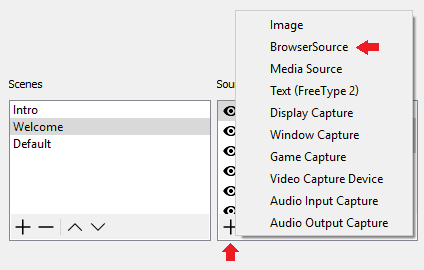
- Add a text file to your streaming software (OBS, Xsplit, etc) and find Snip.txt from the Snip folder you downloaded.
- Adjust your font settings and scroll speed to your liking.
- Optional: Right click on Snip and select “Set Output Format”. This will allow you to organize how the information is displayed. For example you can add spaces to the end of the Artist Format to properly space out the end of the artist’s name and the beginning of the song title (useful if you have your Now Playing scrolling)
That’s it!
Written by
Go further
Want a second set of eyes on your stream?
Our consultants have grown channels from a handful of viewers to Partner. Book a 1-on-1 session and get advice specific to your content, your numbers, and your goals.
Meet the consultants